
Why Your Shopify Store Isn’t Showing Up in ChatGPT (And How to Fix It)
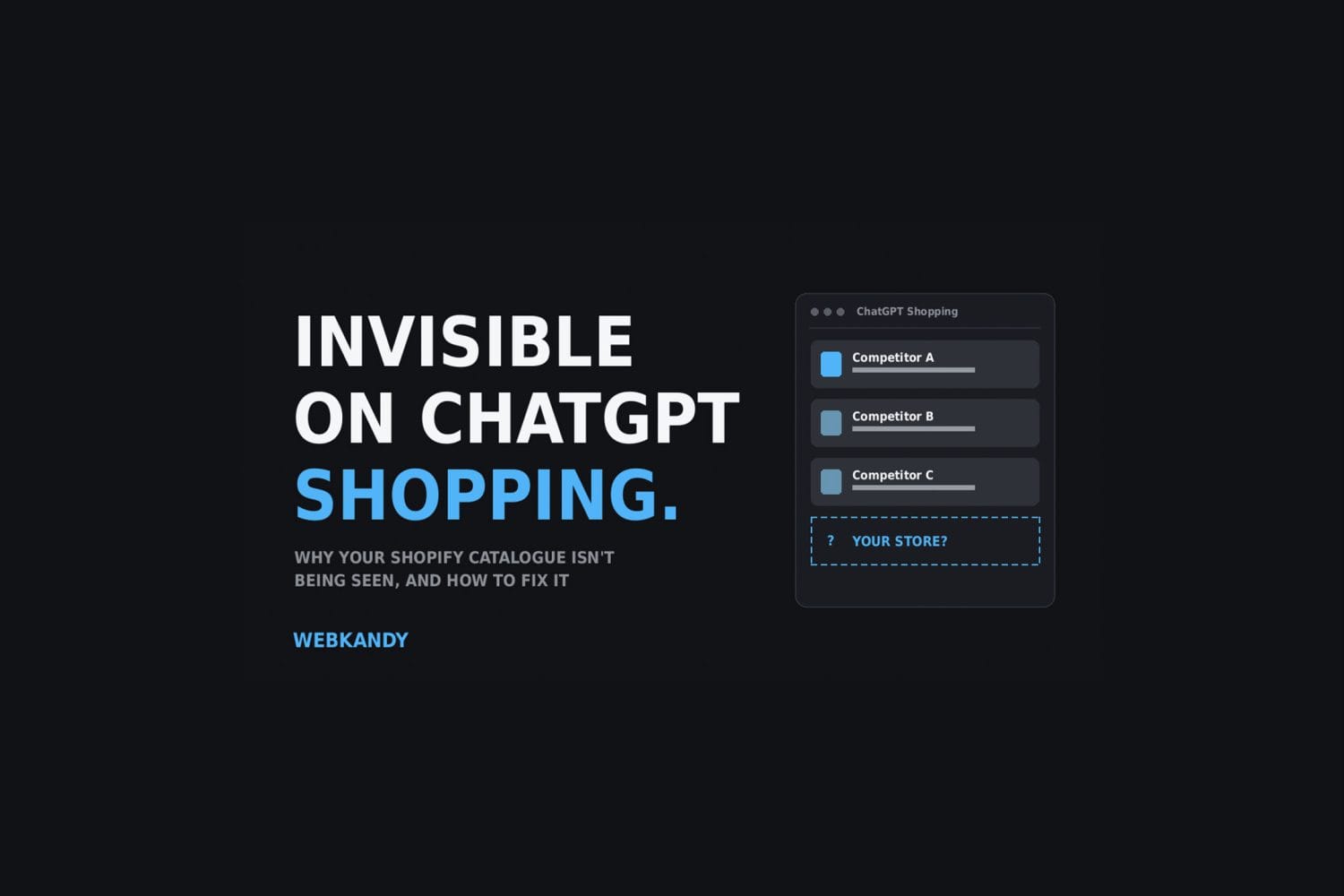
ChatGPT Shopping recommends three to eight products per query. If your store isn’t one of them, you don’t lose a ranking position: you don’t appear at all. Here’s how it chooses products, and a seven-point checklist to get your Shopify store into the carousel.
In this guide
The short version
- ChatGPT Shopping shows a small, curated set of products instead of a page of links. It’s binary: you’re in the carousel or you’re invisible.
- There are no ads or bidding (yet). Products are chosen algorithmically.
- It pulls data from merchant feeds, web crawling by OAI-SearchBot and third-party signals like reviews and editorial coverage.
- Shopify catalogues can sync automatically, but automatic sync isn’t automatic visibility.
- The most common silent killer: OAI-SearchBot blocked in robots.txt.
ChatGPT Shopping is quietly becoming the newest shelf in retail, and most Shopify stores aren’t on it. Search used to mean ten blue links. Now a growing slice of your customers open ChatGPT, type something like “a waterproof trail runner under £150 with a wide toe box”, and buy whatever shows up in the three to eight products it recommends.
Here’s what’s happening under the hood, and what to do about it if you run a Shopify store.
What ChatGPT Shopping actually is
ChatGPT Shopping is OpenAI’s product discovery layer, built into ChatGPT itself. A shopper describes what they want in plain language and, instead of a page of links, gets a small, curated set of specific products, complete with images, prices and reasoning for why each one fits the brief.
There’s no pay-to-play here (yet). No ads slot, no bidding war. The only way in is to actually meet the bar.
How it decides what to show
ChatGPT pulls product data from three places:
- Merchant feeds. These carry your titles, descriptions, pricing, availability, variants, shipping and returns information directly.
- Web crawling. OpenAI’s own bot, OAI-SearchBot, indexes your product and content pages the same way Googlebot does. If that bot is blocked, your catalogue is invisible no matter how good your feed is.
- Third-party signals. Reviews, editorial coverage, Reddit threads and comparison articles that validate a product actually delivers on what it claims.
From there, ranking comes down to four things:
| Factor | What it means |
|---|---|
| Relevance | How closely the product matches what the shopper asked for |
| Trust signals | Review volume and sentiment, plus what others say about you |
| Data quality | How complete and well-structured your product data is |
| Accuracy | Whether your price and stock information is correct right now |
The good news (and the catch) for Shopify stores
If you’re on Shopify, your catalogue can sync into ChatGPT Shopping automatically. Etsy gets the same treatment. Everyone else has to apply to OpenAI’s merchant program and prove they can deliver a proper feed.
That sounds like an unfair head start, and it is. But:
Automatic sync isn’t the same as automatic visibility. A synced-but-thin feed just means ChatGPT can see a mediocre product listing faster.
The brands winning placements are the ones that treated this as a real optimisation job, not a checkbox.
The fix: a practical checklist
Seven things to check, in order. Most stores can get through them in a few hours.
| Step | What to do |
|---|---|
| 1. Confirm you’re enrolled | Automatic sync isn’t guaranteed to be switched on for every store. Check your Shopify settings and confirm your catalogue is live in the merchant feed, not just theoretically eligible. |
| 2. Audit your robots.txt | The single most common silent killer. If OAI-SearchBot is blocked, deliberately or by a security plugin you forgot about, none of your other work matters. Check it today. |
| 3. Fill in every attribute | Not just the required ones: materials, dimensions, fit notes, compatibility, care instructions. The listings that get recommended pre-answer the follow-up question the shopper hasn’t typed yet. |
| 4. Add matching schema | Product, Offer and Review markup that mirrors your feed data exactly. Inconsistency between schema and feed is exactly the kind of “AI blind spot” that gets a product filtered out. Validate it with Google’s Rich Results Test: if it can parse it, so can everyone else’s crawler. |
| 5. Build off-site trust | Reviews, mentions in comparison articles, third-party coverage. ChatGPT weights this heavily because it can’t verify your marketing copy, but it can verify what other people say about you. |
| 6. Write extractable content | Lists, comparison tables, FAQs, clear pros and cons. Good for AI and for humans skimming on their phone. One long paragraph of brand voice makes the model do work it would rather skip. |
| 7. Keep price and stock accurate | Stale stock data gets a listing quietly dropped from rotation. If your feed only syncs weekly, that’s a gap worth closing. |
Why this matters more than it looks
None of this is exotic. It’s the same discipline good SEO always demanded: complete data, real trust signals, and content structured for the reader (or in this case, the model) rather than for your own internal logic. The difference is the stakes.
Rank six on Google still gets you seen. Miss the cut in a ChatGPT Shopping carousel and you get nothing, no matter how good the product is.
If you’re on Shopify and haven’t checked any of the seven items above in the last few months, that’s the place to start. It’s a few hours of work that decides whether you exist in a channel your customers are already using.
Sources: How ChatGPT Shopping Transforms Online Purchasing – Darkroom Agency; Generative Engine Optimization Strategies (GEO) for 2026 – Go Fish Digital.
ChatGPT Shopping FAQ
Can you pay to appear in ChatGPT Shopping?
Not currently. There are no ad slots or bidding. Products are chosen algorithmically based on relevance, trust signals, data quality and accuracy.
Does my Shopify store sync to ChatGPT Shopping automatically?
Shopify catalogues can sync automatically, but it isn’t guaranteed to be switched on for every store. Check your Shopify settings to confirm your catalogue is live in the merchant feed.
Why isn’t my product showing up in ChatGPT?
The most common cause is OAI-SearchBot being blocked in robots.txt. After that, look at incomplete product attributes, schema that doesn’t match your feed, weak third-party reviews and stale price or stock data.
What is OAI-SearchBot?
OpenAI’s web crawler. It indexes your product and content pages much like Googlebot does, so if it’s blocked your catalogue is invisible to ChatGPT.
Find out where your store stands
WEBKANDY offers a one-off AEO/GEO audit for Shopify and e-commerce brands covering exactly this: feed health, schema, crawler access and content structure, with a prioritised roadmap you can hand straight to your team or have us implement.
