
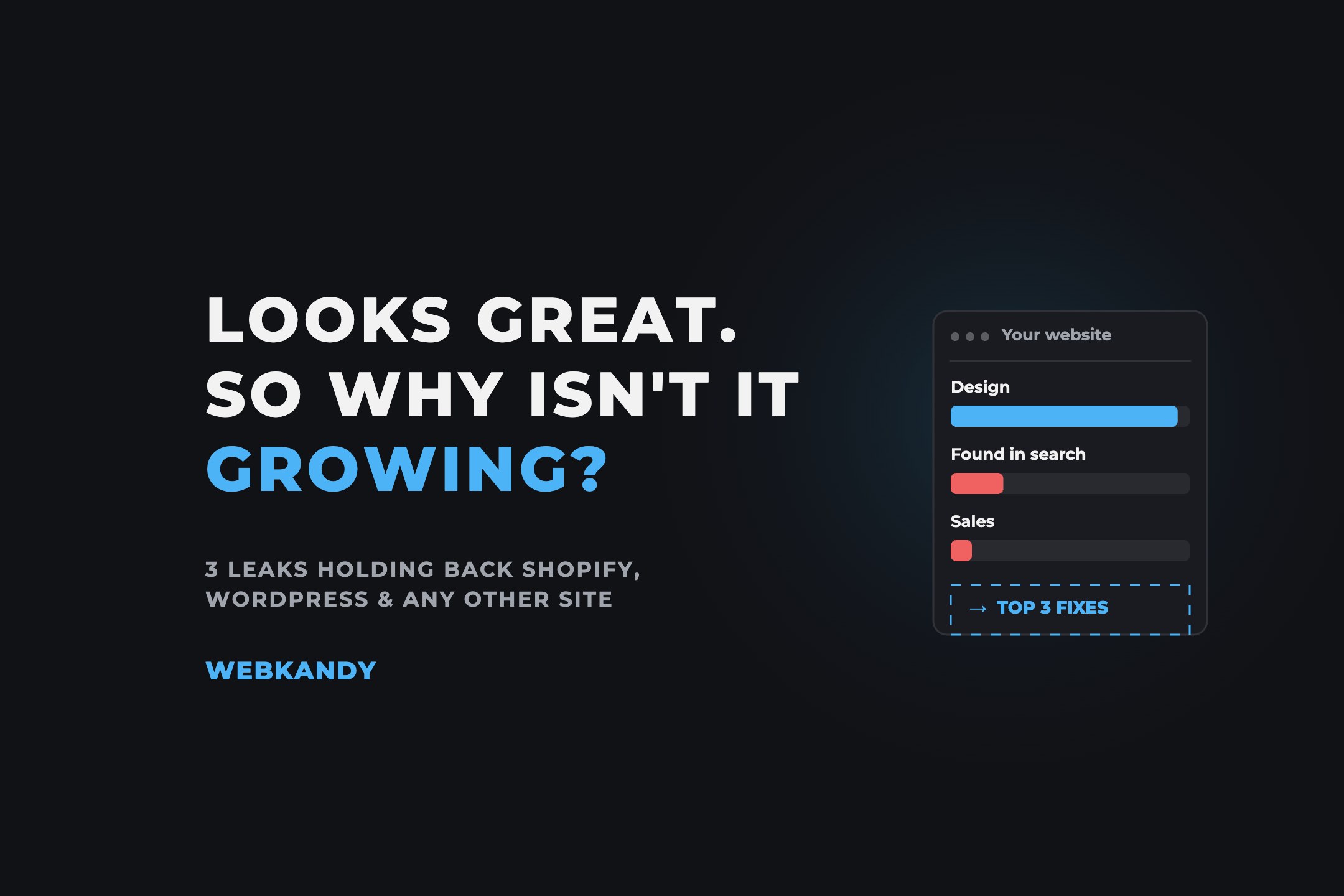
Your Website Looks Great. So Why Isn’t It Growing?
Updated November 2026
You spent time and money on your website. It looks sharp, it works, and people say nice things about it. But the sales and enquiries haven’t followed. If that sounds familiar, the problem usually isn’t the design. It’s what’s happening underneath, and you can check for it yourself in under an hour.
In this guide
The short version
- It doesn’t matter whether your site runs on Shopify, WordPress, Squarespace, Webflow or something else. The same three leaks turn up on all of them.
- Leak 1: you’re invisible in Google and AI answers. Leak 2: a conversion leak nobody has spotted. Leak 3: quick wins that never get shipped.
- None of them need a rebuild, and you can check for all three yourself in about an hour.
- If you’d rather we looked, our free growth check sends you your top 3 fixes within 2 working days.
Looking good and growing aren’t the same thing
A good-looking website does one job well: it makes you look credible once someone arrives. Growth needs two more things. People have to find you in the first place, and once they’re there, the site has to make it easy for them to buy or get in touch.
Most sites quietly leak at one or both of those stages. Here’s where.
The three leaks we see most
1. Invisible in search and AI answers
Customers don’t just Google any more. They ask ChatGPT, Perplexity and Google’s AI Overviews to recommend a product or a local business, and those tools only mention brands they can understand and trust. If your pages are thin, your titles are vague or key pages aren’t indexed, you simply don’t show up, however good the site looks.
2. A conversion leak nobody’s spotted
Traffic arrives, then drops away at the same point every time. It might be a slow mobile page, an offer that isn’t clear at first glance, delivery costs that only appear at checkout, or a contact form that asks for too much. You won’t see it from your desk on a fast laptop, which is exactly why it goes unnoticed.
3. Quick wins that never get shipped
Almost every site has a short list of small fixes that would make a real difference: better page titles, a clearer call to action, reviews moved higher up the page. They sit on a to-do list because day-to-day running of the business always comes first.
How to check your own site
You don’t need special tools for a first look. Block out an hour and work through these.
Search and AI visibility
- Search Google for your main product or service the way a customer would (not your brand name). Are you on page one? Is there an AI Overview, and are you in it?
- Ask ChatGPT or Perplexity something like “best place to buy [your product] online” or “best [your service] in [your town]”. Note who gets recommended and why.
- Open Google Search Console and check the Pages report. Are your important pages indexed? Which search terms already bring you clicks?
- Read your page titles and descriptions as a stranger would. Do they say clearly what you sell and who it’s for?
Your biggest conversion leak
- On your phone, go from your homepage to a completed purchase or enquiry. Time it, and note every moment you hesitate.
- Check that prices, delivery costs and timings are visible before checkout, not sprung on people at the last step.
- Count the fields on your contact or checkout forms. Remove anything you don’t genuinely need.
- In GA4, look at where visitors leave. One page with a much higher exit rate than the rest is usually your leak.
Platform-specific things we often find
| Platform | What we often find |
|---|---|
| Shopify | Short or manufacturer-copied product descriptions, collection pages with no intro text, and too many apps slowing the store down |
| WordPress and WooCommerce | The “Discourage search engines” setting left on after launch, plugin bloat, and unoptimised images hurting mobile speed |
| Squarespace | SEO titles and descriptions left at their defaults on individual pages and products |
| Webflow | CMS collection templates without SEO fields mapped, so every item shares the same title and description |
Tip: fix one thing at a time and give it a couple of weeks before judging. Changing everything at once makes it impossible to know what worked.
If you’d like to go deeper on the conversion side, our guide to 10 website conversion fixes for small businesses covers the most common culprits in more detail.
FAQs
Do I need to rebuild my website to get more sales?
Usually not. Most of the problems that stop a site growing are about visibility, clarity and friction, and they can be fixed on the platform you already use.
Does this apply to Squarespace and Webflow sites, not just Shopify and WordPress?
Yes. The three leaks are the same on every platform. Only the settings you change to fix them are different.
How do I know if AI tools like ChatGPT are recommending my business?
Ask them the questions your customers would ask, such as “best [product] online” or “best [service] near [town]”, and see who they mention. Clear, specific pages and a consistent presence across the web make it more likely you’ll be included.
What’s included in the free growth check?
A short review covering your search and AI visibility, your biggest conversion leak and one quick win, sent within 2 working days. There’s an optional 15-minute call if you’d like to talk it through, and no obligation to work with us.
Part of our growth guides
See how we help small businesses get found, look the part and convert.
Related guides
Want us to find your leaks for you?
Free, no obligation. Send us your site and we’ll come back with your top 3 fixes within 2 working days: your search and AI visibility, your biggest conversion leak, and one quick win you can make this week, with or without us. There’s an optional 15-minute call to talk it through, and no spam, ever.
